No. Instruzic starts from your actual level and introduces reading when it becomes useful. You learn to understand music by playing it.
Learn · Play · Progress
Learn your instrument with a program that really gets you playing.
Choose from six instruments and move forward with structured courses, hands-on exercises and clear progress. On piano, guitar and voice, Instruzic can also listen to your playing when you turn on the microphone.
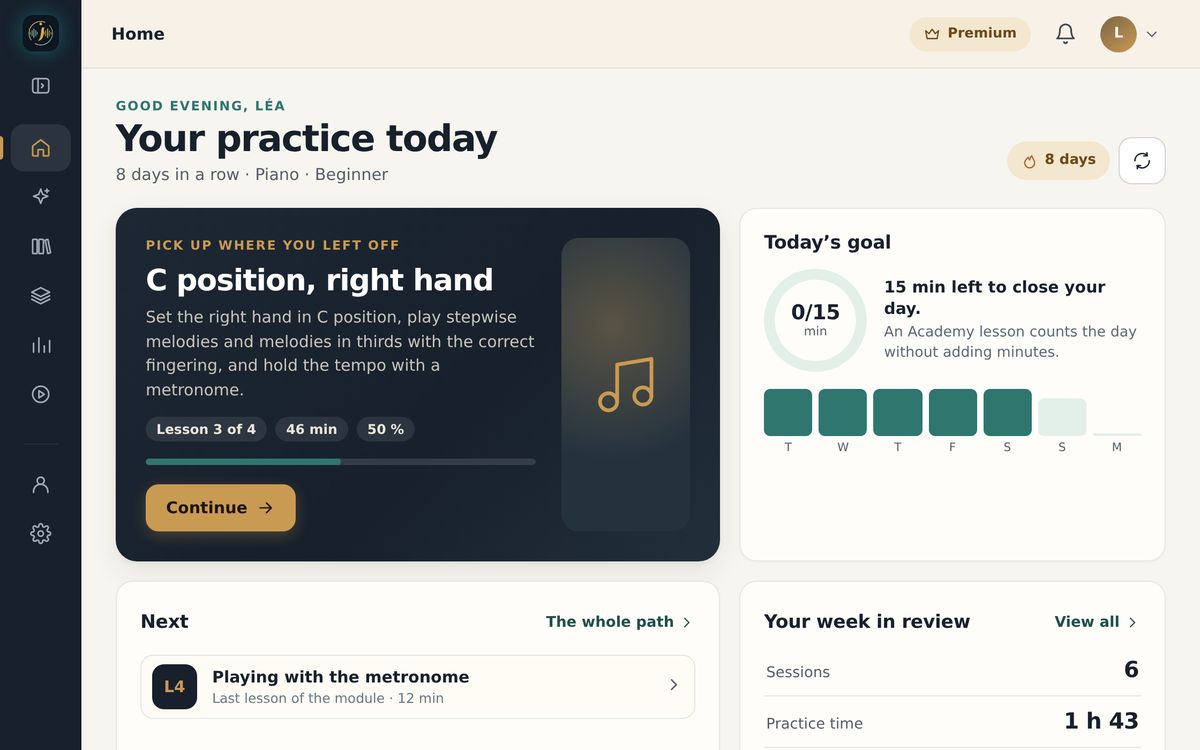
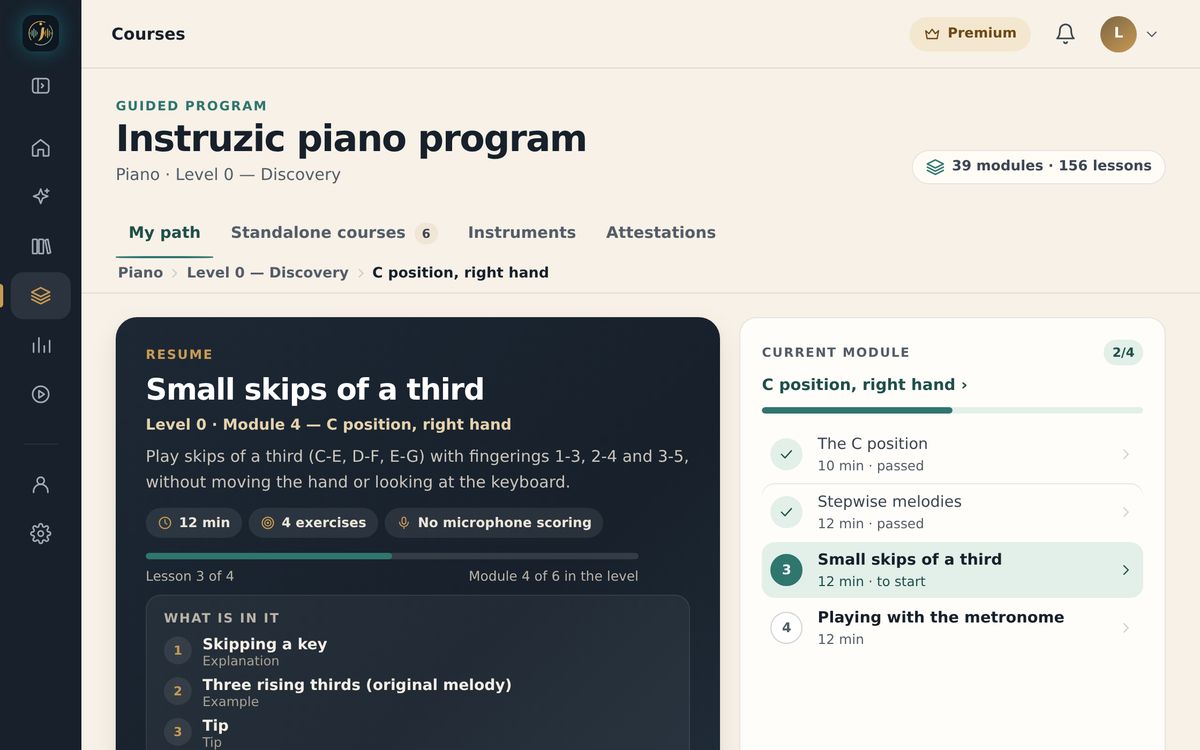
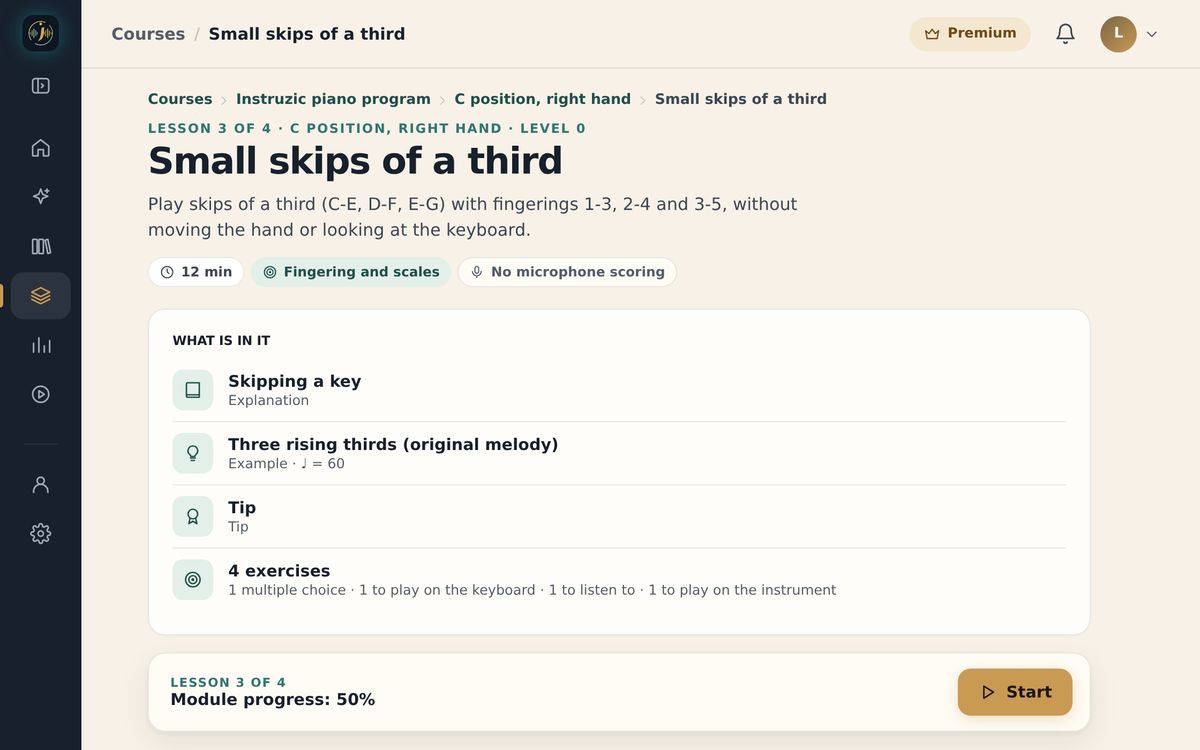
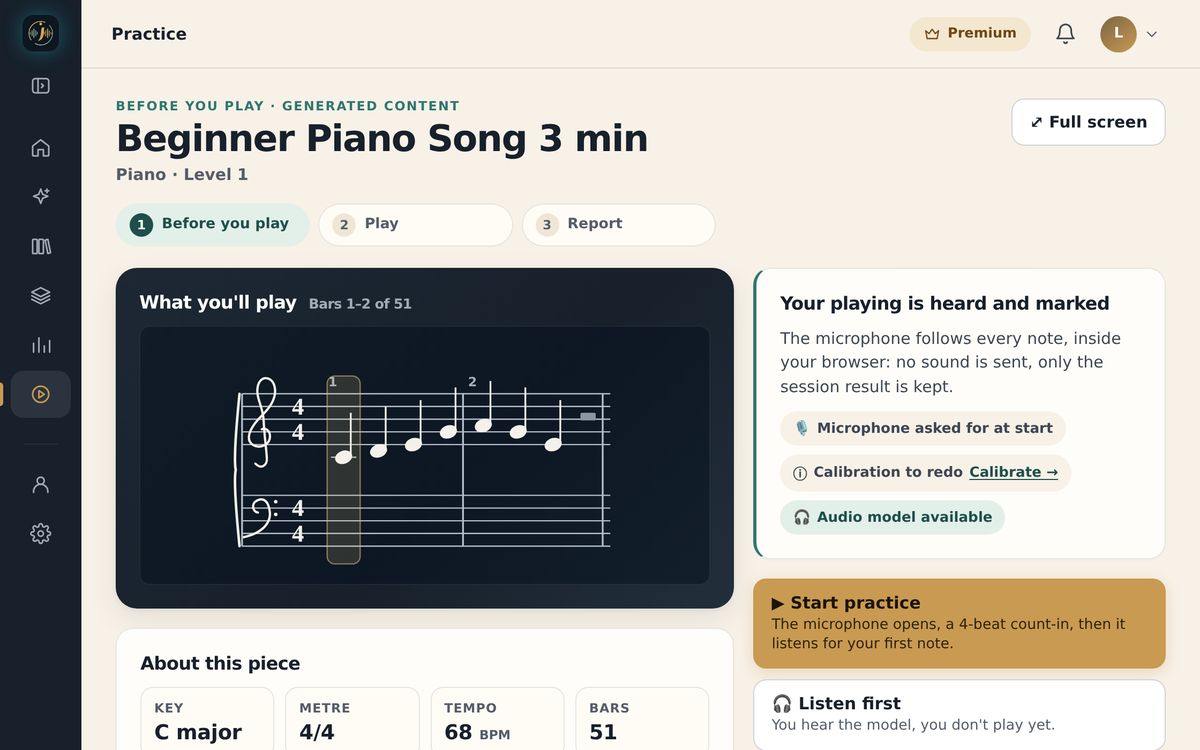
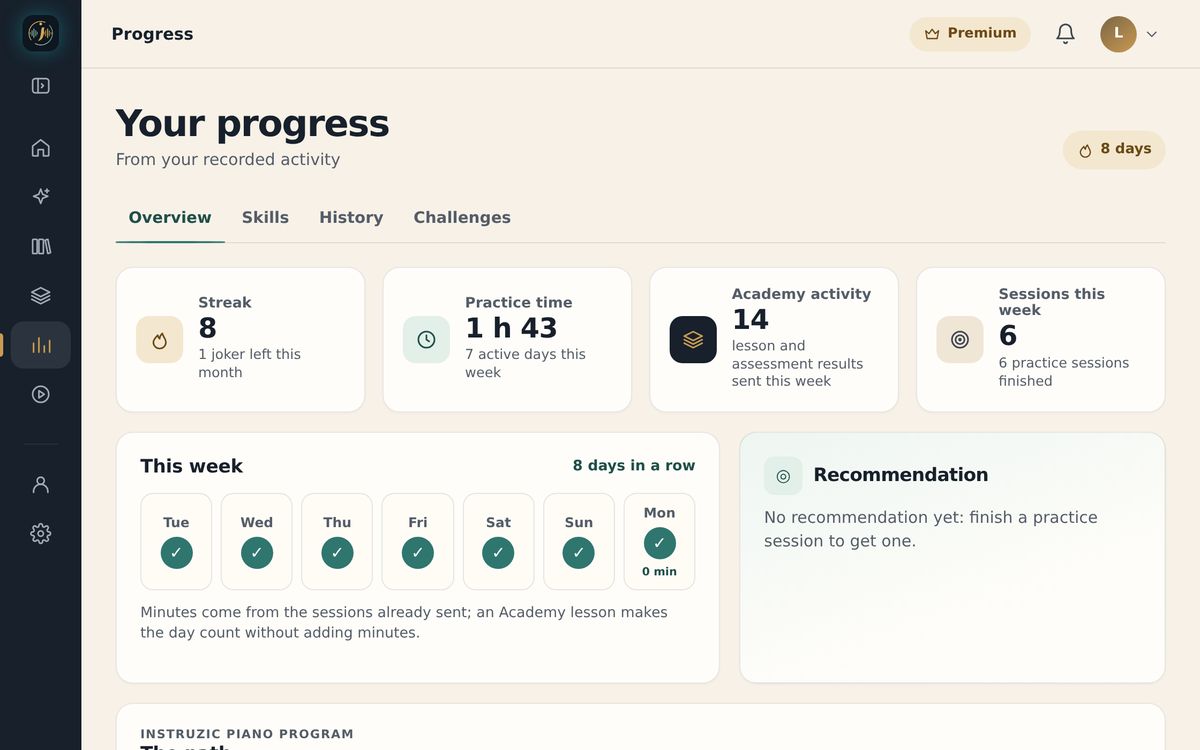
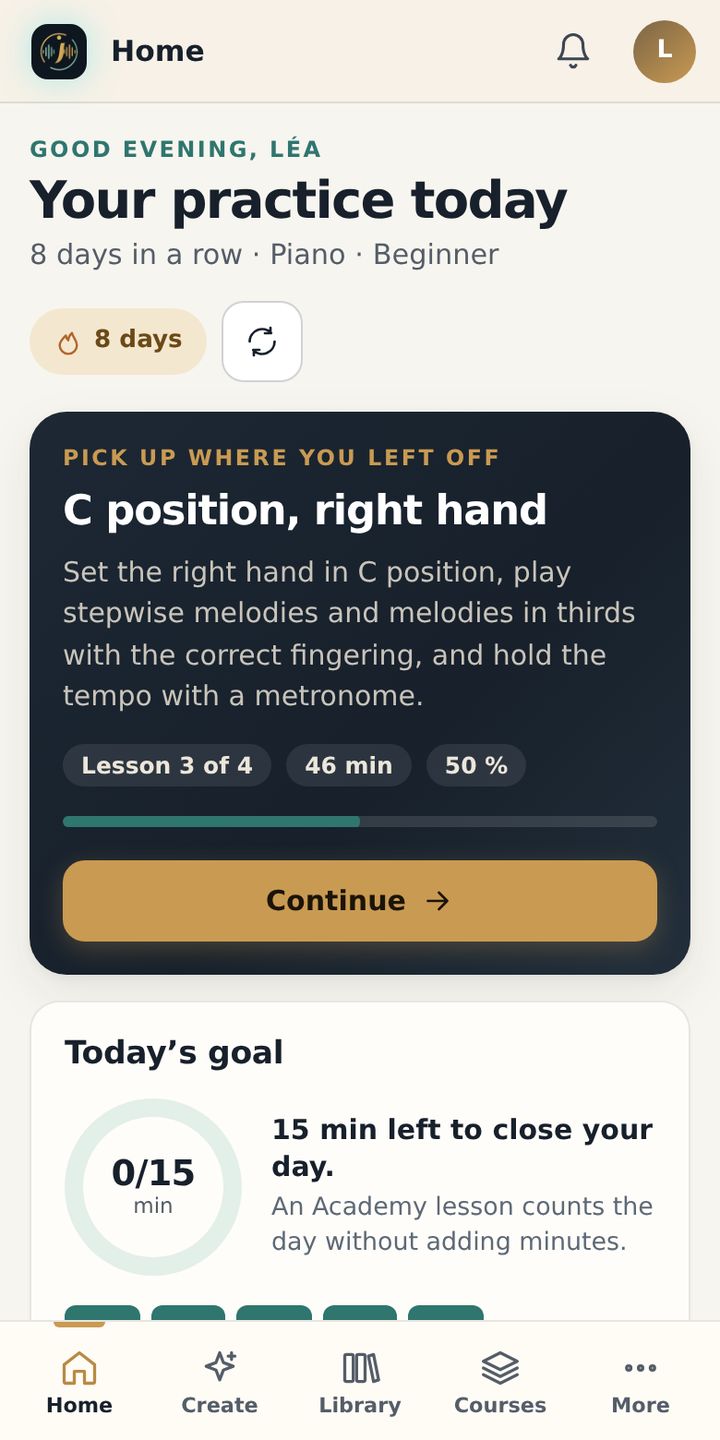
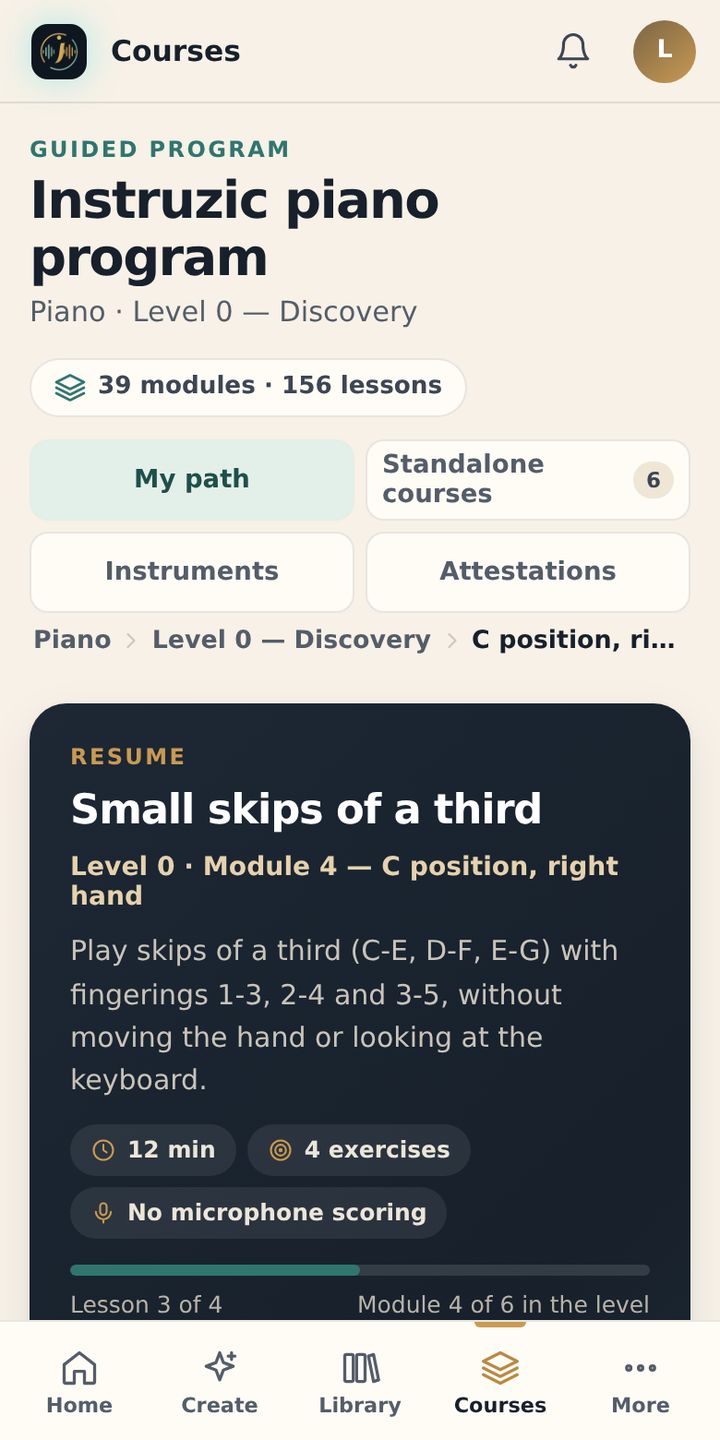
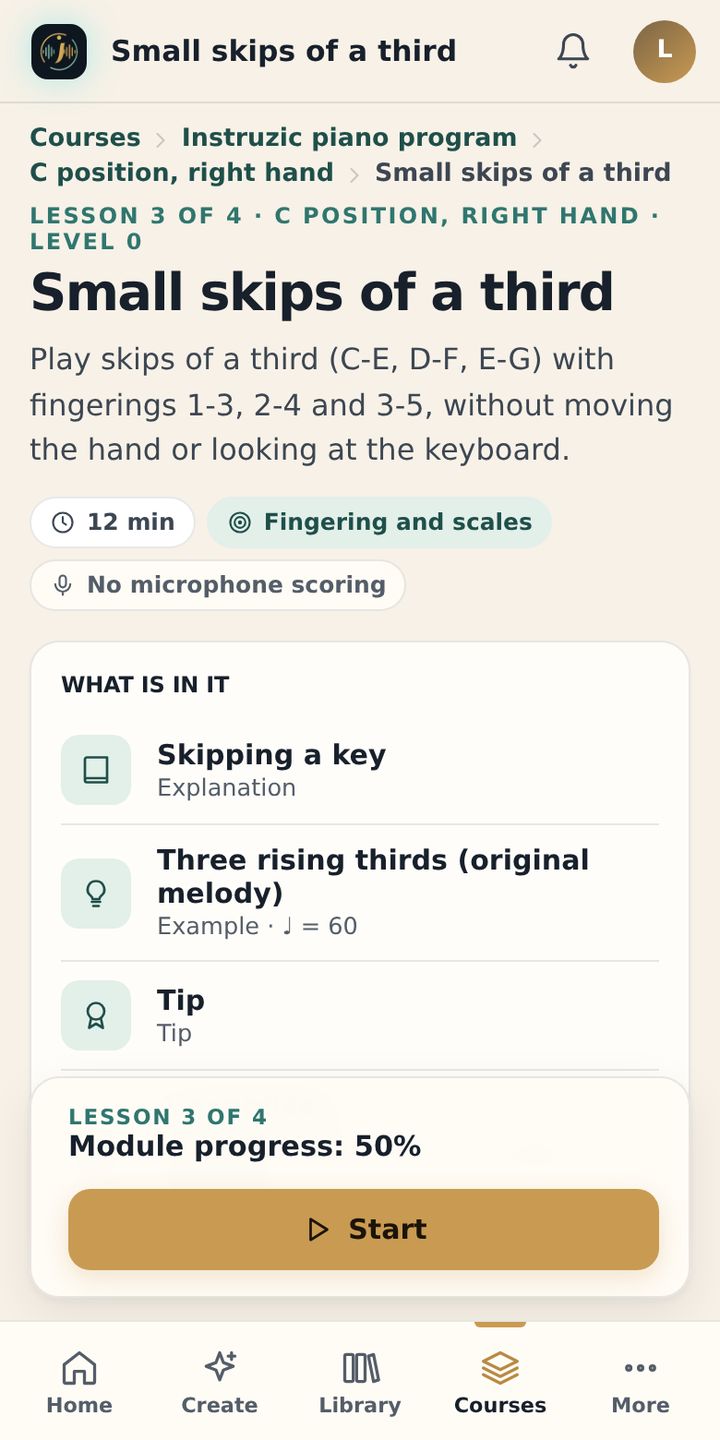
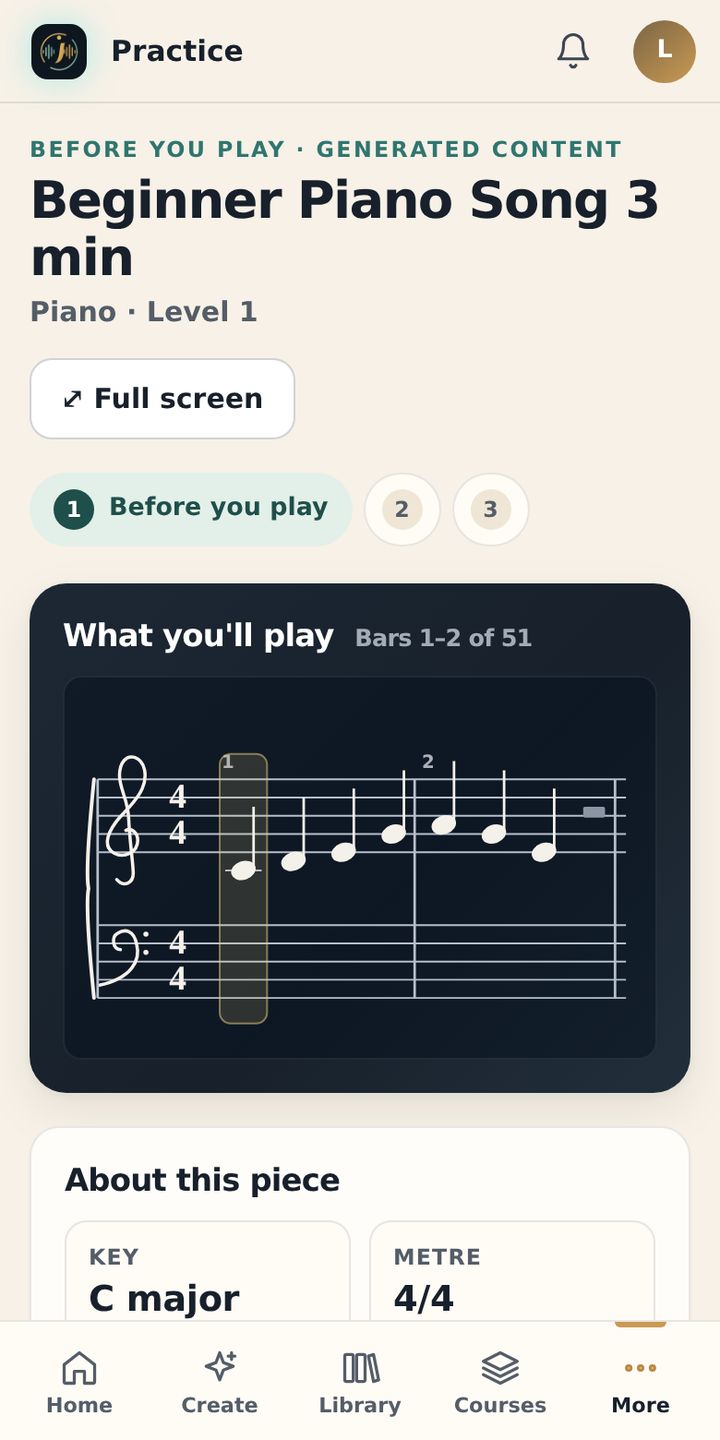
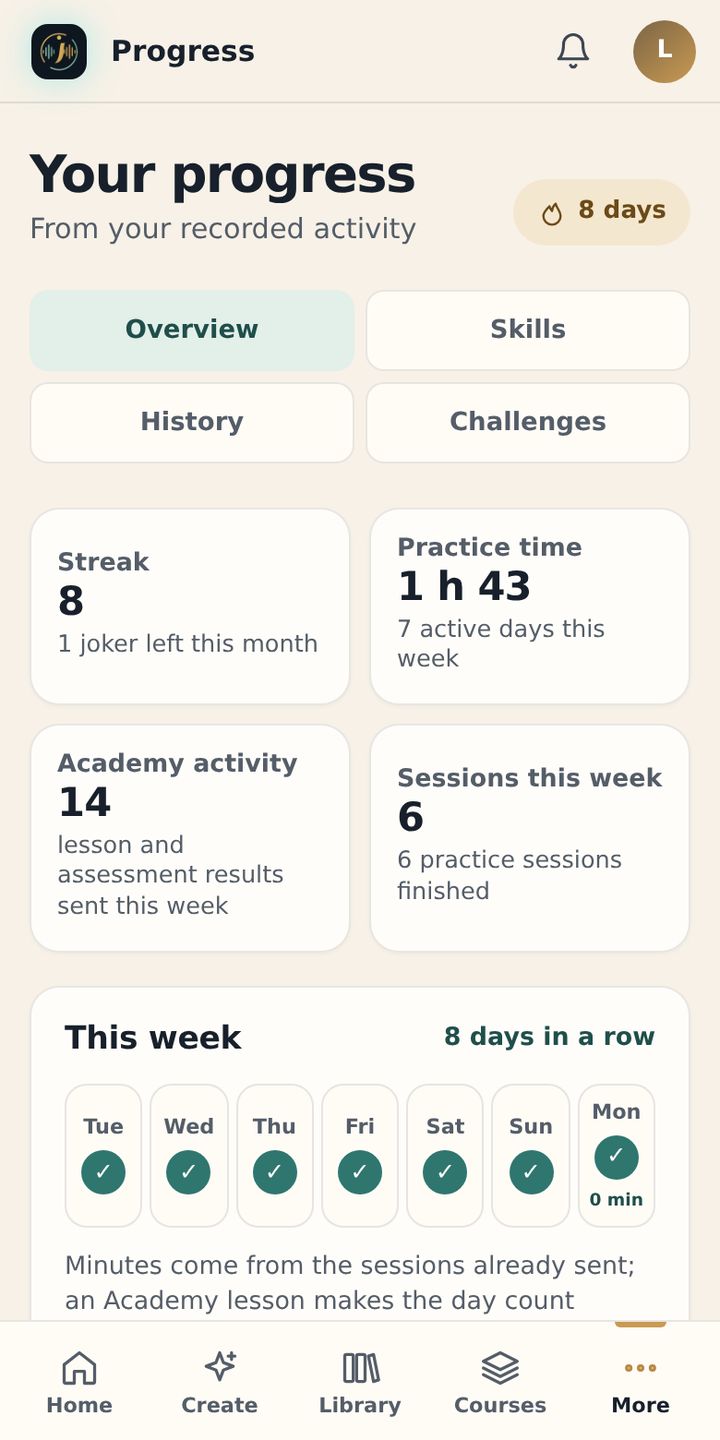
- 6 instrumentsPiano, guitar, violin, voice, flute and kora
- 219 modulesPrograms built step by step
- 876 lessonsTo learn, then practise
- Web and phoneProgress tied to your account
In practice
Play. Instruzic listens.
One note played, one note heard: watch the practice screen follow a real musician. Sound only starts if you press “Listen”.
Play the C major scale, right hand.
8 of 8 notes recognized
Here is what you will find in the app.


- The instructionWhat you play, with the hand and the tempo.
- Listen to the modelYou hear the expected result before you play.
- Play when you are readyThe microphone only turns on when you press “Practise with the microphone”.
- Complete the exercise“I have practised it”, then you move on to the rest of the module.
A method, not a video library
You learn a concept. You play it. You check your progress.
- 01
Understand
A short explanation and an example give you the bearings you need.
- 02
Practise
Move to your instrument with exercises designed for the concept you have just learned.
- 03
Check your progress
An assessment closes the module before you continue your program.
The instruments
Six instruments. Six programs, each designed separately.
Each instrument has its own modules, media and exercises. It is not the same course simply transposed.

Piano
Scored listening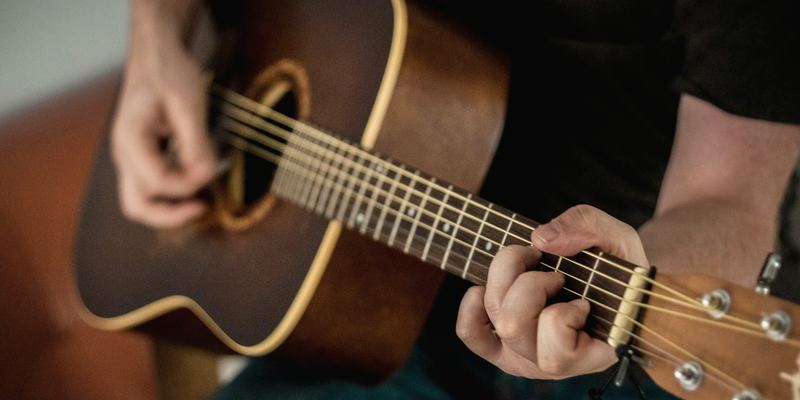
Guitar
Scored listening
Voice
Scored listening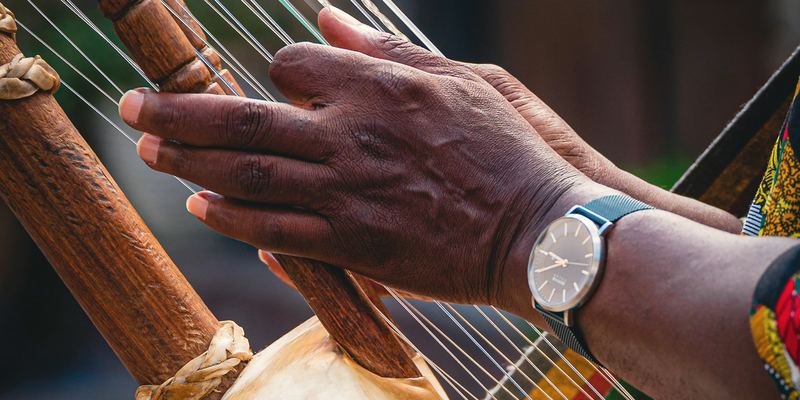
Kora
Experimental listening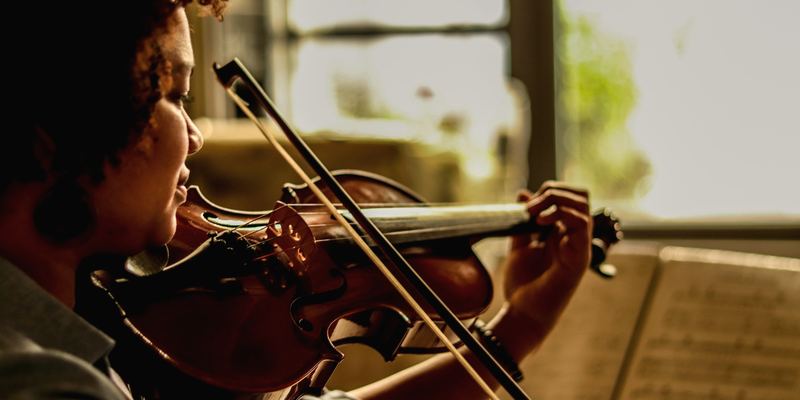
Violin
No automatic scoring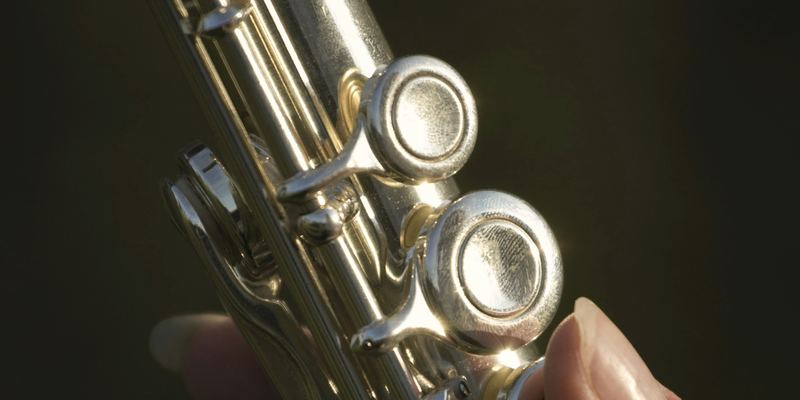
Flute
No automatic scoring
The microphone does not score every instrument. Piano, guitar and voice: an estimated score based on your device’s microphone input. Kora: experimental listening. Violin and flute: exercises you play, without automatic scoring. The microphone only turns on when you ask it to.
Web and mobile
Start on the web. Continue on mobile.
Your account keeps your progress. The web app is available right now; Android comes first, then iPhone.
- WebAvailable now
- AndroidOn its way
- iPhoneNext
- Your courses and progress on the same account
- No software to install
- The microphone is only used when you turn it on for a compatible exercise


Access
Start for free. Upgrade to Premium when you need it.
Free access never expires and needs no credit card. Premium and Family subscriptions are not on sale yet.
-
Free
To really learn, without paying and with no time limit.
$0
No credit card needed
- The first module of every instrument: piano, guitar, violin, voice, flute and kora
- Its end-of-module assessment
- The placement test
- 2 minutes of microphone use per week
-
Premium
All six programs in full, for one person. 7-day free trial on the annual plan.
$109.99per year
that’s $9.17 per month · or $12.99 monthly
- All six programs in full: 219 modules, 876 lessons, plus six standalone courses
- Every end-of-module assessment
- Unlimited microphone use on all compatible exercises
- Program completion certificates and exports of your exercises
- Create your own exercises with AI
- 7-day free trial on the annual subscription
Sales open soon. Subscriptions can’t be purchased yet.
Try 7 days free -
Family
Premium for your household, up to 5 people.
$164.99per year
that’s $13.75 per month for the whole household
- Premium for up to 5 people in the household
- One account, one instrument and one progress record per person
- A single subscription, managed by the account holder
Sales open soon. Subscriptions can’t be purchased yet.
Choose Family
Reference prices for Canada (CAD), plus taxes. The price for your country is shown before any payment: see the Pricing page.
Piano, guitar and voice: the app listens to your playing and shows an estimated score based on your device’s microphone input. Kora is in preview: listening there is experimental. Violin and flute are played without automatic scoring, and the exercise tells you so before you start.
No. The microphone only turns on during the exercise that needs it, after you give permission, and never in the background. You can withdraw that permission at any time in your browser or device settings.
The web app needs a connection. In the mobile app, once it is released, lessons you have already opened stay available without a network, images and audio included; features that go through the server wait until you are back online.
Yes. Your progress is tied to your account: you find it in the web app today, then in the mobile app when it is released, on Android first, then on iPhone.
The first module of every instrument (piano, guitar, violin, voice, flute and kora) with its assessment, the placement test, and 2 minutes of microphone use per week. No credit card needed and no time limit.
Prices are set and sales open soon; the Pricing page shows whether they are open. Until then, no payment is requested.
Your next lesson can start now.
Create your free account and start your first program on the web.